research
Designing, Refining, and Maintaining Agent Skills at Perplexity

Perplexity’s frontier agent products rest on a foundation of know-how and domain expertise packaged in modular Agent Skills. We maintain a carefully curated library of Skills across our technical environments. These Skills include many of the general-purpose utilities powering Perplexity Computer; vertical-specific capabilities in areas such as finance, law, and health; and a very long tail of modules for addressing user needs. Some Skills are infrequently invoked but critical when invoked. To ensure a consistently excellent user experience, Perplexity’s Agents team prioritizes Skill quality just as much as code quality.
The intuitions and best practices required to develop a high-quality Skill differ significantly from those required to build traditional software. The Agents team reviews many pull requests from excellent engineers who develop Skills in the course of their work. The result is almost always numerous comments and suggestions for revision. This is because many useful patterns for writing code become antipatterns in Skill creation.
For example, if you take some of the aphorisms from PEP20 – The Zen of Python, it quickly becomes clear that writing good Python code is unlike writing good Skills. Of the 20 lines of wisdom, at least half are fully wrong or actively misleading when writing Skills. Here are five of them:
Zen of Python | Zen of Skills |
|---|---|
Simple is better than complex | A Skill is a folder, not a file. Complexity is the feature. |
Explicit is better than implicit | Activation is implicit pattern matching. Progressive disclosure. |
Sparse is better than dense | Context is expensive. Maximum signal per token. |
Special cases aren’t special enough to break the rules | Gotchas ARE the special cases (they're the highest-value content). |
If the implementation is easy to explain, it may be a good idea | If it's easy to explain, the model already knows it. Delete it. |
This guide is the document that engineers across Perplexity use when developing and reviewing Skills. We’re also releasing this guide to the public so that our discoveries and learnings can benefit the broader community. Whether you’re an engineer designing production Skills in your day-to-day work, a Computer user looking to develop your own Skill in an area you know best, or both, this guide is for you.
What is a Skill?
When you write a Skill, you aren’t writing plain old software (even though Skills are now part of the main logical engines for agent systems). Rather, you're building context for models and their environments. A Skill has different constraints and different design principles. If you write a Skill like you do code, you will fail.
A Skill is at least four things, especially in the context of how we build them at Perplexity.
A Skill is a Directory
A Skill is not just a single SKILL.md file. In many cases, a Skill includes several files. Under the directory named after your Skill, you might have:
SKILL.md: frontmatter and instructionsscripts/: code the agent runs, not reinventsreferences/: heavy docs, loaded conditionallyassets/: templates, schemas, and dataconfig.json: first-run user setup
This hub-and-spoke pattern allows you to keep Skills very focused and tight, and one can use the folder structure in a very creative way. Sometimes, particularly intricate Skills benefit from multiple levels of hierarchy to help the model navigate better. Suppose a Skill requires knowledge across 300 topics, groupable into 20 subject matter areas. Reliably choosing the right topic among 300 is an unsolved challenge even for today’s best frontier models. It’s a much easier choice problem for a model to hone in on one of 20 areas, than among the 15 topics within that area.
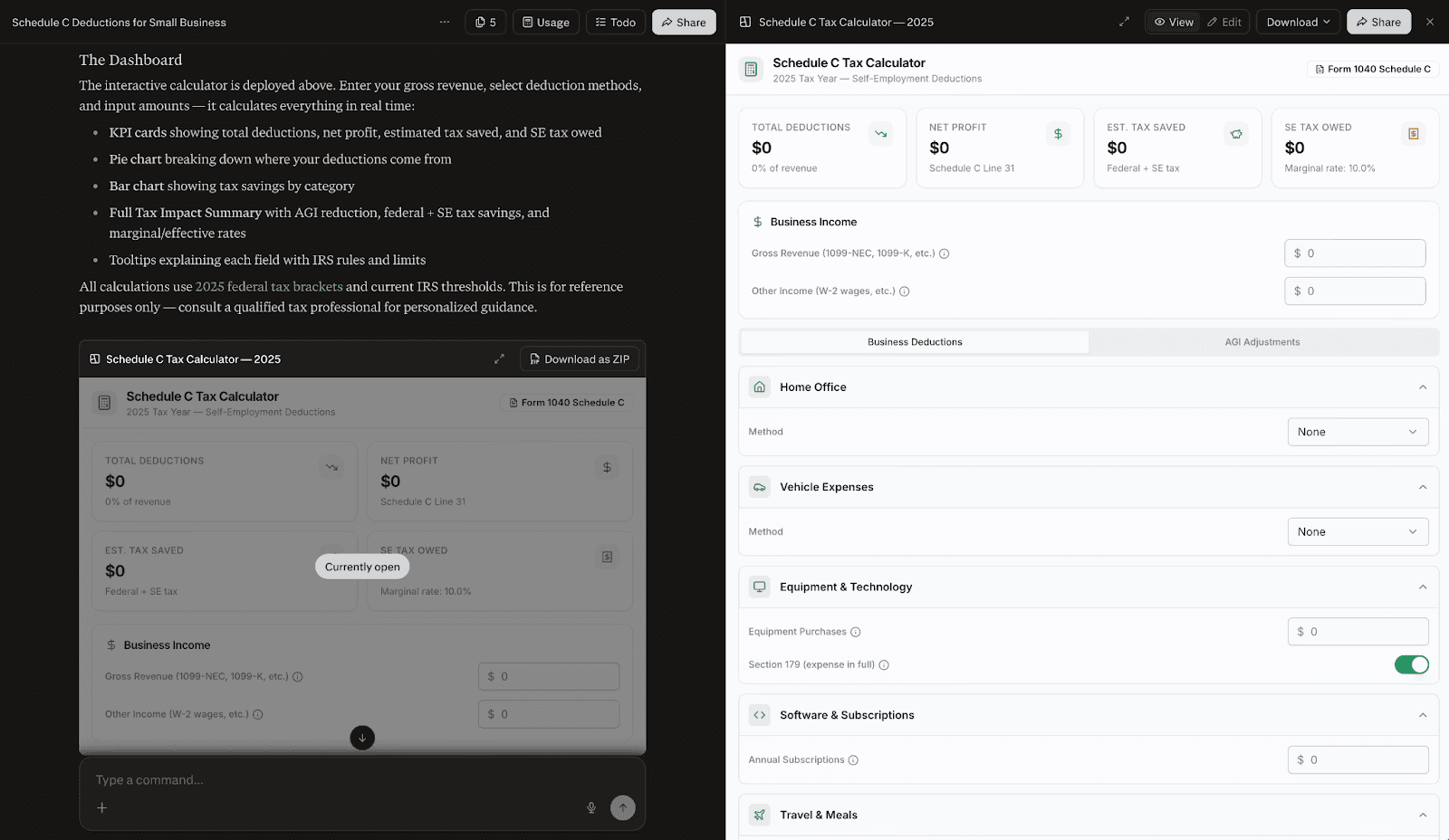
As one example of how multilevel hierarchy provides value, our team employed three levels of topical nesting within the Skills powering Computer’s U.S. income tax capabilities this past tax season. This hierarchy was absolutely indispensable given the complexity of tax law: in our early tests, presenting the model with a single folder containing all 1,945 sections of the U.S. Internal Revenue Code resulted in worse performance than not loading the Skill at all. Organizing the information into logical subdivisions was indispensable for ensuring high-precision read operations.
Yet this hierarchy did not come free. Increasing levels of hierarchy require increasing levels of curation across the information architecture to manage the resulting indirection. We devised quick reference guides, custom search utilities, and other tools to support the model in locating information with a minimum of indirection. In this case, doing the hard work of curation ultimately produced a positive end result: a Skill that allowed models to perform tax-related tasks much more capably than using general tools alone.
A Skill is a Format
A Skill is a format. The core root SKILL.md file must have both a name and a description. Furthermore, the Skill needs to exactly map to the directory name in which the Skill is located. The name must be all lower-case characters, have no spaces, and can use hyphens. The description is the routing trigger. This is a common failure point: the description is not internal documentation for what the Skill does. It amounts to instructions for the model for when to load the Skill. So, you will frequently see “Load when,” not “This Skill does.” This is important because of the way that most implementations inject the description into the model context.
Within the frontmatter, there is also “depends:”, which allows you to create hierarchical Skill dependencies, and “metadata:”, which is used for reviews and evaluations. Different agent systems can even define their own frontmatter fields, to be used in a manner specific to those systems. As an alternative, Skill-specific metadata can be packaged in an auxiliary JSON or YAML configuration file. This is desirable when building agent systems that need to facilitate different types of runtime behavior per Skill without polluting the model’s context with minutiae. Finally, similar behavior is obtainable through stripping Skill frontmatter on read. Computer employs this methodology, which allows configuration to be preserved in the root SKILL.md file. Careful attention to detail is required in the parsing logic, and one might wish to implement conditional stripping if there are certain fields that are useful to have within the model context.
A Skill is Invocable
A Skill is invocable. The agent loads a Skill at runtime. Importantly, Skills aren’t always bundled into the context. By default, most agent systems unfold Skills progressively upon specific need.
There are at least three tiers of context costs in the way that we've implemented Skills in Computer. Here is the process:
Computer calls
load_skill(name="...")Computer copies the Skill directory into the isolated execution sandbox
Computer recursively auto-loads dependencies in the “
depends:” tagComputer then strips the frontmatter and the agent thus only sees the body and the additional files
Different agent systems can choose to expose Skill content in different ways. As an example, some systems might choose not to expose the file hierarchy at all, leaving it to the model to discover the hierarchy through filesystem operations. Other systems may choose to give the model a mapping of the entire filetree up to a certain truncation and/or depth limit. To keep context clean, Computer omits full file hierarchies from the invocation context; however, this is overridable on a per-Skill basis.
A Skill is Progressive
Skills are progressive. In Computer, there are three different tiers of context costs, and we incur all three at various stages:
Tier | What loads | Budget | When you pay |
|---|---|---|---|
Index |
| ~100 tokens per Skill | Every session, every user, always paid |
Load | Full | ~5,000 tokens | ~5,000 tokens |
Runtime | Files in | Unbounded | Only when the agent reads them |
Computer builds a Skill index that has the name and the description for every available Skill. The budget for this is around 100 tokens per Skill (shorter is even better). It’s so tight because you're paying this cost in every session, for every user. This is injected into the system prompt at the very beginning of the conversation. The model has access to a bunch of named Skills and descriptions so that it can decide whether to call “load_skill()”. The bar to getting into this index is extremely high. Your Skill needs to be very useful, and the description needs to be extremely dense and terse because everyone is paying the cost all the time.
After the agent system loads the Skill, there’s the full SKILL.md body. Ideally, the body text does not exceed 5,000 tokens. Even then, you want every sentence to matter because once you load a Skill, the rest of the conversation has to pay that until you hit the compaction boundary. Many threads load anywhere between three and five different Skills, multiplying this cost. Skills with a lot of fluff will almost certainly degrade other Skills as well as overall agentic capabilities. In short, if your Skill loads and it doesn't do the right thing, that's wasted context.
The final level of progression is scripts or special cases, like subskills or formatting. This is where you want to put unbounded conditional branched logic. The agent will only use it when it needs to, meaning there's a much lower bar for what you want to put in here.
In the index, every token is important. The loaded Skill body is more relaxed, and the runtime is the most relaxed. This could be 20,000 tokens or zero tokens. This is the level at which you might think about expanding the context of the model in a progressive fashion.
When do you need a Skill?
The Agents team is often asked to opine on whether a Skill is truly needed for a given domain or use case. Very rarely do we have a definitive answer from first principles alone. The only way to really figure this out is to start with your agent without the Skill, run several hero queries, and then figure out whether the agent is doing a good job.
When you need a Skill
There are many tasks that are in distribution for trained models. You only need to apply a Skill if you want to change that behavior in some specific way that you can't with say, one sentence in your prompt. So, you need a Skill when the agent will get it wrong without special context, or if there's some inconsistency or non-determinism that you need to be extremely consistent across runs.
It could be that your knowledge is durable but not in the training data. There could be cutoffs or enterprise specific workflows, or it could be a matter of taste. For example, we have several design-related Skills in Computer written by Henry Modisett (our head of design). The reason that every token exists in those Skills is because Henry has very good taste when it comes to designing websites and PDFs. Henry specifies which fonts to use and which fonts not to use, how those fonts feel, and other matters of judgment that the model can't learn from training data alone.
When you don’t need a Skill
We see many Skills in which engineers have written a series of git commands that need to be executed in order. That’s unnecessary because the model already knows how to do that, meaning it makes for great documentation but a poor Skill.
We see examples where Skills recapitulate instructions from the system prompt. You don't need a Skill for that. Knowledge relevant for the majority of requests should be included in global context, not in a conditionally loaded Skill
If there's something that's changing faster than you can maintain it, you don't need a Skill. For example, if you're hitting some remote MCP endpoint and its tools or the versions of those tools are changing frequently, you shouldn't inject those into a Skill. If you do, you’ll just end up with drift and the model will make mistakes.
Every Skill is a tax
Here’s a useful test you can apply to every sentence in your Skill: “Would the agent get this wrong without this instruction?” If the sentence does not need to be there, it cannot afford to be there because everyone is paying this cost every single time. When you are deciding whether to add a Skill or not, remember this tax wherein every session and every user costs tokens.
The following famous quote, which sounds much better in French, roughly translates to “I have only made this letter longer because I have not had the time to make it shorter.”
« Je n’ai fait celle-ci plus longue que parce que je n’ai pas eu le loisir de la faire plus courte. » — Blaise Pascal, Lettres Provinciales, 1657
Just like Pascal, you need to invest time in every Skill. It is hard to write a short Skill. If your Skill is easy to write, it is probably too long or shouldn’t exist. A good Skill is as short as it can be.
If you find yourself trying to one-shot Skill generation and putting up PRs in five minutes, the results will almost certainly be subpar. In fact, early research has shown that if you're using LLMs to write Skills, the LLM will probably not benefit from it: “Self-generated Skills provide no benefit on average, showing that models cannot reliably author the procedural knowledge they benefit from consuming.”
How to build a Skill
Put another way, you need to inject your opinion into any Skill that you write. Follow these steps.
Step 0: Write the Evals
Write some of the evals first. You can source evaluation cases from:
Real user queries: sample from production or your brain trust
Known failures: The agent failed because the Skill didn't exist
Neighbor confusion: Close to your domain boundary but routes to another Skill
At the very least, you should be making sure that you're testing that the Skill loads when needed. Ideally, you sample some of these, maybe from a production environment. You might also consider known error cases: maybe the whole reason that you set out to write the Skill is because of a specific failure you noticed or maybe you're refactoring and there's some confusion in two close domains that are covered by one Skill.
Start with similar negative and positive examples. Negative examples are extremely powerful and can matter more than positive examples.
Step 1: The Description
This is the hardest line in the Skill. It’s a routing trigger, not documentation. To get the name and the description right, you don't care about the content of the Skill. You only care about whether the Skill is loaded and injected at the right points and is free of off-target side effects, which is the number one failure mode. Every time you add an additional Skill, you risk making every other Skill slightly worse, so you need to make sure that you're minimizing regression.
Again, a bad description describes what the Skill does or why it is useful. A good description says when the agent should load the Skill. For example, say you have something for monitoring pull requests. Don't write what the Skill does. Write what engineers say when they're frustrated and they want you to make sure that their PR works, like “babysit” or “watch CI” or “make sure this lands.”
Here’s a quick checklist:
Starts with "Load when..."
Target 50 words or fewer
Describes the user’s intent, ideally from real queries
Does not summarize the workflow
Real queries are what you can cover in an 80-20. Usually, two or three examples work well. It's not easy to add exactly and only as much as you need.
Step 2: Write the Body
Next, write the content of the Skill itself. Notice this is not Step 0 or Step 1.
Communicating workflows to an LLM is completely different to communicating workflows to a colleague, or even to your runtime system. When learning a new software tool, an engineer might need to read the documentation, get a walkthrough from someone with experience, and learn how to use the tool. Meanwhile, for almost any software tool that has been around at least a year, you just need to mention its name and the LLM has all the information it needs.
When you are writing the body, skip the obvious things. Many engineers have plenty of experience writing readme.md files that list out every command someone needs to run. It's easy to fall back into that when you're writing a Skill because it feels like you're writing documentation, but if you do that, your Skill will be garbage. So, don't write out a series of commands.
For example, you don’t need to write, “git log # find the commit; git checkout main; git checkout -b <clean-branch>; git cherry-pick <commit>;”
Instead, write, “Cherry-pick the commit onto a clean branch. Resolve conflicts preserving intent. If it can't land cleanly, explain why.”
The model will do a much better job with the latter than with the former’s overly prescriptive series of commands, especially when things go wrong. Don't railroad, or be overly prescriptive, which is fragile, and instead be flexible where multiple approaches can work. Again, good documentation for humans is most often bad documentation for models.
Next, focus on the gotchas or negative examples. These are extremely high-signal content because they often guide the model in terms of what not to do. If you add a line every time the agent trips up, you’ll learn by running it and the gotchas will grow organically.
Lastly, if there’s any portion that's conditional or extremely heavy in content, take it out of the SKILL.md, which is the hub, and put it into one of the spokes. Put it into an accessory file that can be progressively loaded, which we’ll dive into next.
Step 3: Use the Hierarchy
Make use of the Skill hierarchy when you've got a script, references, or you’re using some specific tool:
Deterministic logic the agent would reinvent every run | Give it code to compose, not reconstruct |
Heavy docs loaded only when a condition is met | "Read |
Output templates the agent copies and fills |
|
First-run user setup | Ask for the Slack channel, save, and reuse next time |
For anything that's conditional or branching from the main Skill, break it out into a folder. Remember, also, that multilevel hierarchy can be used for particularly intricate Skills. For these, you’ll want to give careful thought to whether the functionality should be implemented monolithically or as a collection of Skills (perhaps with depends: based loading relationships).
Step 4: Iterate
Next, do a bunch of iterations on a branch. Start on the main branch with no Skill, do some iterations, build your hero query set, and run a slew of evals. Anyone reviewing your Skill code will thank you for submitting a single changeset complete with an evaluation set. Reviewing consecutive incremental changes (except a new gotcha) is very hard, so try to minimize it.
You’ll likely do many small word changes. Small word changes in descriptions can have an outsized impact on routing (including spillover effects on other Skills), so do all that work before Step 5.
Step 5: Ship
Ship it.
How to Maintain a Skill
Now that you’ve written a Skill, you have to maintain it.
The Gotchas Flywheel
From this point on, your list of gotchas tends to grow or change a lot. We often see engineers who make PRs that are un-evaled, for example, change the description. If you're changing the description after your Skill has been merged, you are off track. If you're making changes to the thing that decides whether to route your Skill, you need to write some evals that support the changes.
Skills are append-mostly. The gotchas section accrues the most value over time:
Agent fails at something → Add a gotcha
Agent loads the Skill off target → Tighten description and add negative evals
Agent doesn't load the Skill when it should → Add keywords and positive evals
System prompt changes → Check for contention or duplication
It's easy to notice a single failure case in internal testing or in production and add a gotcha. It’s a negative example so it’s not really changing explicit guidance, but it lets the model know, “Hey, there's this known failure.”
As you move from the 80-20 to getting to a 99.9% or 99.99% success rate, it's easy to grow this gotcha list. As you see these negative examples, you should be appending mostly to the gotcha section. You shouldn't be adding longer instructions or changing the description.
Eval Suites
At Perplexity, we run many eval suites to check for different things. There are Skill loading and Skill file reads, which checks the precision, recall, and forbidden checks of the Skill loading itself. Will the agent route your Skill when it's supposed to? These ensure new Skills don’t break existing boundaries.
There are also evals that can check for proper progressive loading. The agent might load the Skill, but does it read the accessory file or files? For example, if you have a finance Skill for finance queries, does it read the special FORMATTING.md file?
There are also evals for Skills that test for end-to-end task completion within domains. We run the full agent loop and use an LLM judge to grade the results based on a rubric of well-defined criteria.
Finally, it’s important to run these evals against different models. Computer supports at least three different orchestration model families: GPT, Claude Opus, and Claude Sonnet. You want to run your Skill loading and the domain Skills against these different agent orchestrators to ensure that you don't get different behavior. Sonnet and GPT behave quite differently when it comes to Skills.
Final thoughts and takeaways
The more Skills you build, the better you will get at building them. If you're not automating or trying to make more reproducible tasks that you're doing on a day-to-day basis using Skills, start immediately.
The act of building Skills makes you better at building more Skills, but also, they're extremely good at automating business processes. If you can describe something you do every week before your standup, at the end of every sprint, or anything that you do as an engineer on a daily, weekly, or even quarterly basis, you should be writing a Skill to buy back your time.
Can you automate postmortems? Can you review pull requests? Any task that you can do, you can at least have the first pass be an Agent Skill. It will save you significant time.
That said, remember that a Skill isn’t easy or even always necessary. Less is more. A few other takeaways:
Write evals before the Skill. Include negative examples and forbidden loads for adjacent but distinct skills.
The description is the hard part. "Load when..." (every word costs attention).
Gotchas are extremely high-value content. Start thin, grow as the agent fails.
Remember that it is easy to break other pre-existing Skills by adding a new Skill, even though you didn’t touch it (beware of action at a distance).
Use all the available tools every time you’re writing and maintaining a Skill. If you want to learn more, the Agent Skills website has plenty of good examples, and both our internal repository and the public ecosystem contain many examples of well-designed Skills.